Skip to content
Magi-2 AICreate · Image to Video

Image to Video AI, one place to explore motion

1 reference image + motion prompt · MAGI-2 Standard 5s from 8 cr

Upload a photo

Sent to our hosted ComfyUI service on submit. Upload only authorized, non-confidential images; no uniform auto-deletion period is promised. Privacy Policy

0 / 2000
Try a prompt:
Duration3 options
Aspect ratio

Avoid copyrighted characters, logos or music and sensitive, explicit or violent material; the provider may block them.

MAGI-2 Standard scales by duration (5s: 8 · 10s: 16 · 15s: 24 cr). Choose 16:9 for widescreen or 9:16 for vertical clips.

Cost: 8 creditsChecking balance…

Standard MP4s retain model-generated audio, including when using welcome credits.

MAGI-2 · 1080p Showcase

Cinematic native audio-video sync and fluid camera choreography

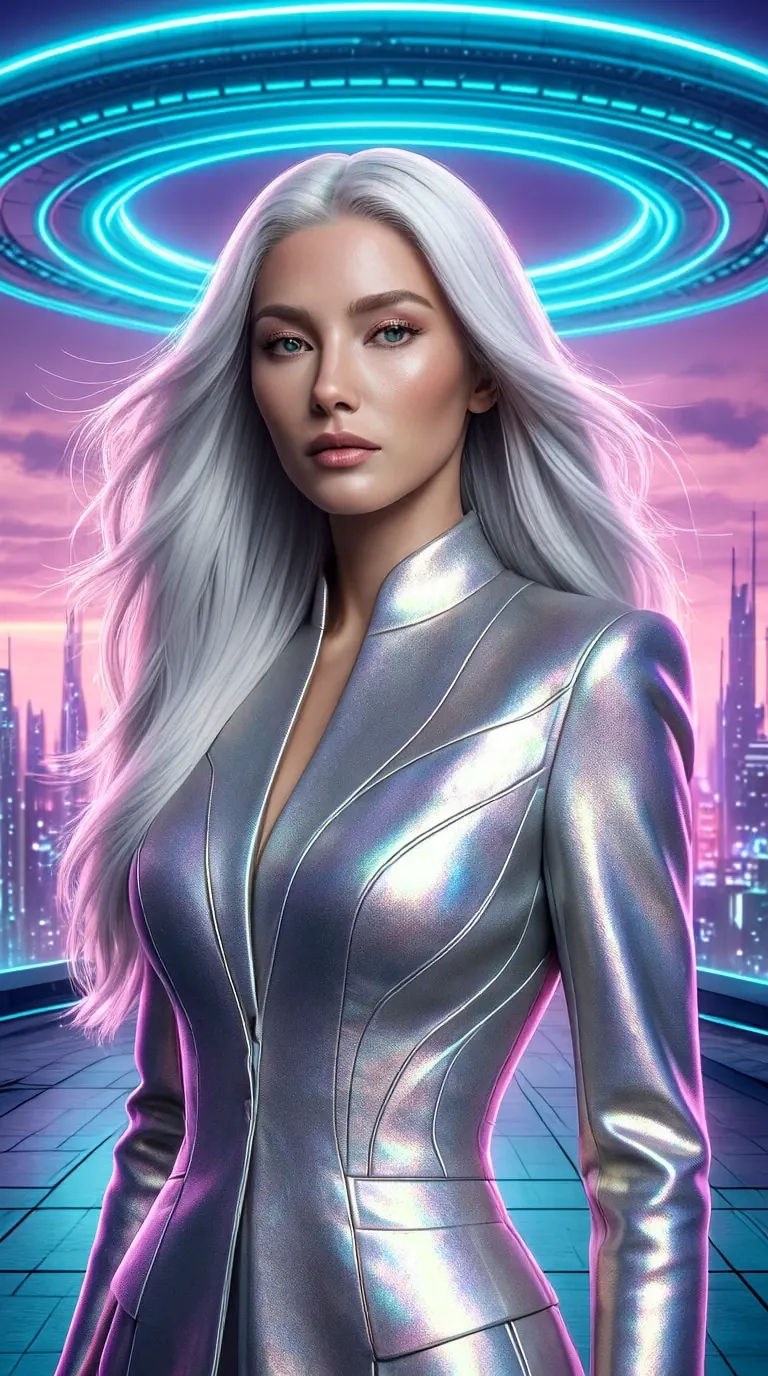
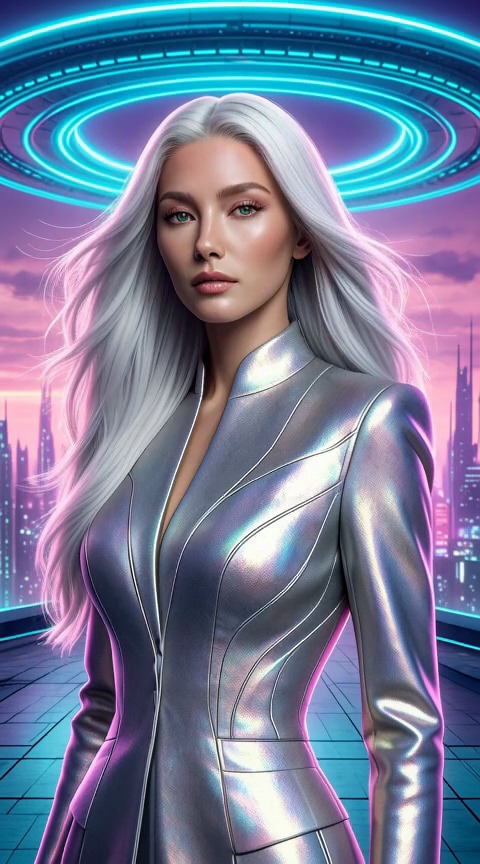
Neon muse in motionMAGI-2 Example

Neon muse in motion

Preserve the beautiful adult woman, silver hair, silver couture jacket, the glowing orbital ring and cyberpunk skyline. A gentle breeze lifts a few strands of her silver hair. She subtly turns her gaze toward camera and gives a very subtle confident smile. Camera makes a slow cinematic push in. Stable beautiful facial features, natural elegant expression, realistic restrained motion, vivid cyan magenta lighting, no cuts, no new characters, no text.
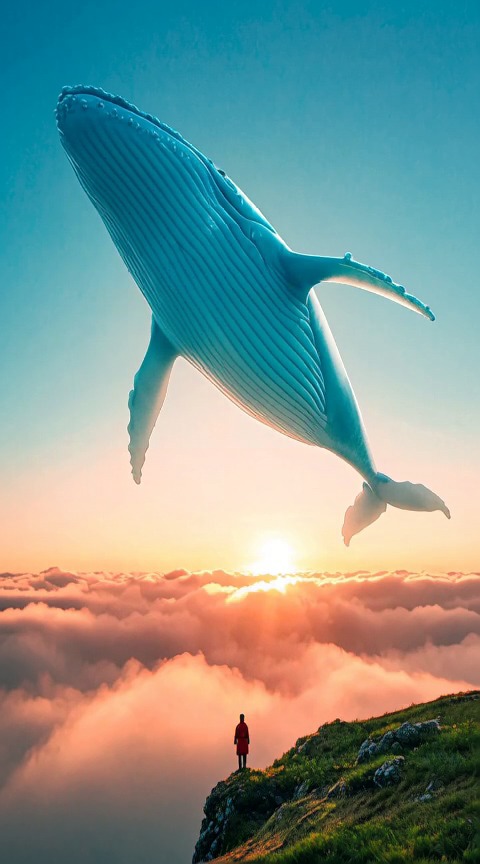
A whale sailing through the cloudsMAGI-2 Example

A whale sailing through the clouds

The enormous blue whale gracefully glides through the sky above the clouds, its tail and fins move slowly. Preserve the tiny traveler on the cliff, camera gently pushes forward, soft cloud motion, warm sunrise light, coherent whale anatomy, cinematic fantasy, one continuous shot, no cuts, no text.

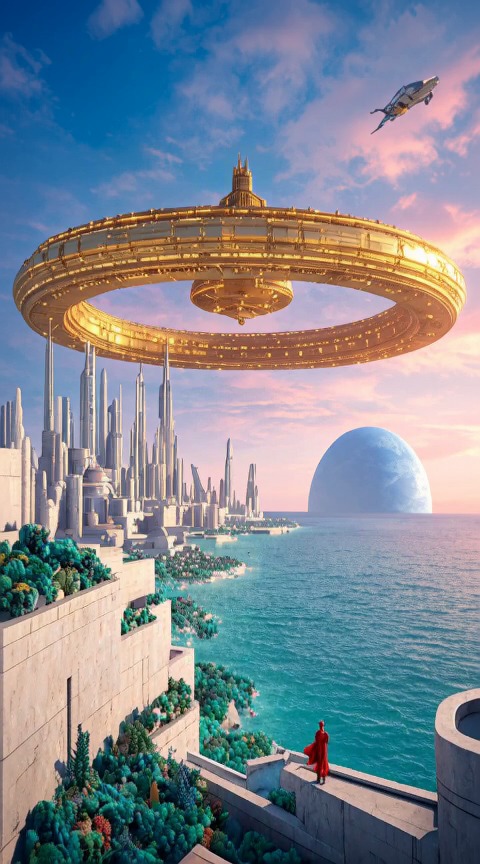
Arrival at the orbital cityMAGI-2 Example

Arrival at the orbital city

A sleek silver spacecraft slowly approaches the enormous luminous golden orbital ring above the ocean city. Preserve the ring shape, layered buildings, turquoise ocean, pink sunset and tiny adult traveler on the balcony. Gentle forward cinematic camera glide, slight motion of clouds and ocean reflections, crisp coherent architectural shapes, epic science fiction film shot, one continuous take, no cuts, no text.

Image to Video AI, one place to explore motion

Explore plans

Multiple models, one workspace

Compare available Image to Video models without leaving your project. Each offers its own settings and credit estimate.

Photos and illustrations in motion

Use Image to Video to animate a portrait, drawing or product photo. Your reference supplies the look; your prompt guides the action.

Sound when your model supports it

Explore Image to Video with audio on compatible models. Check the selected model’s controls before planning a scene around sound.

Give the movement direction

Tell Image to Video AI what the subject does and how the camera moves. Start with a single action to make revisions easier.

Keep the details that matter

Use a clear reference and describe the features you want to preserve. Review faces, edges and moving objects before downloading.

Bring your pictures to life with Image to Video

MAGI-2

How to use Image to Video

Turn a picture into a clip in three steps, right in the workspace above.

Explore plans

Add a photo to Image to Video from your device. Confirm your selection to attach it as your opening frame.

Upload your image

Image to Video for your creative workflow

Give existing visuals another use, from a social opener to an illustrated scene.

Content creators

Content creators

Build a moving opener from your photography and include it in your next social edit.

Product marketers

Product marketers

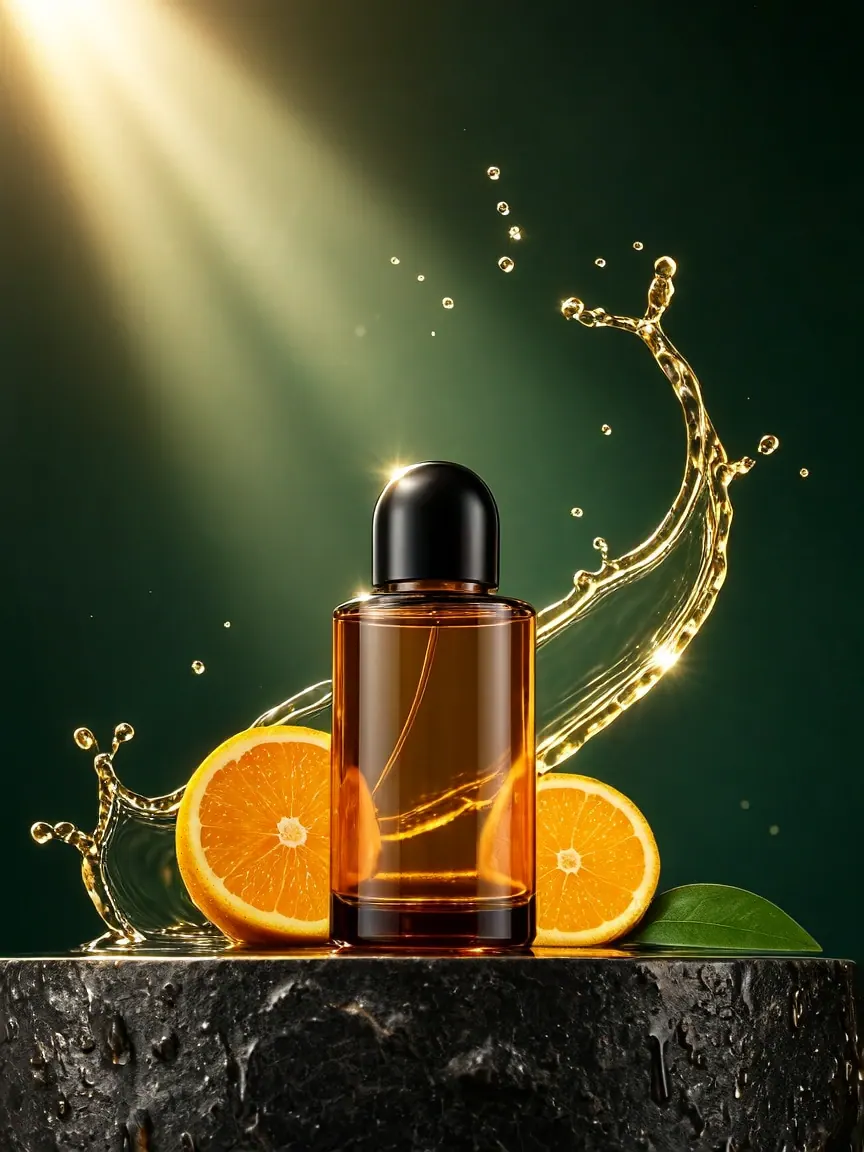
Explore camera movement and atmosphere around a product before choosing a campaign direction.

Artists and animators

Artists and animators

Try movement and timing with a character sketch or illustrated frame.

Start Image to Video with a strong reference

Choose a sharp image with a readable subject. Keep enough room around it for the action you describe.

Explore plans
Start Image to Video with a strong reference

Get more from Image to Video AI

Use concrete instructions to make each new version easier to assess.

Explore plans

Subject action

Give Image to Video AI one main action and a direction. Add secondary movement only when it helps the shot.

Camera and pacing

Set the pace of your Image to Video scene with a fixed camera, a slow push or a tracking move.

Visual consistency

Name the details that should stay recognizable. Generated motion can change an image, so inspect the result carefully.

Flexible formats

Choose Image to Video settings for your destination. Available ratios, durations and resolutions follow the selected model.

Reusable references

Keep working with the same photo while you refine the motion prompt to compare versions side by side.

Where Image to Video fits your work

Choose a purpose for your next clip, then build from an image you already have.

01

Social content

Create an opening moment for a series with Image to Video, using your own portrait or lifestyle photo.

02

Campaign ideas

Compare a quiet scene with a more active Image to Video variation before settling on an approach.

03

Product stories

Plan a reveal around lighting, framing and one deliberate movement.

04

Animated concepts

Use Image to Video to test a storyboard frame and discuss the timing with your team.

Image to Video questions, answered

Image to Video uses a still picture as visual input for a generated clip. A prompt describes the movement you want to add.

Create your next scene with Image to Video

Choose a Magi-2 AI plan and give your images a new role in your next project.

Explore plans

YOUR IMAGE IS THE STARTING POINT

Text promptsImage referencesModel choicesFlexible formats